

A childcare website should make a family’s next step clear. It needs useful information, a calm design, reliable contact tools, and a secure technical foundation. Visual polish helps, but families also need facts they can trust.
Design around parent questions
Start with the information families need most: age range, location, hours, program approach, fees or fee information, staffing, safety information, and enrollment steps. Put the main contact action near the start of the page.
Use headings and navigation that make sense to a first-time visitor. Avoid making families hunt for a tour button or phone number.
Use real, current images
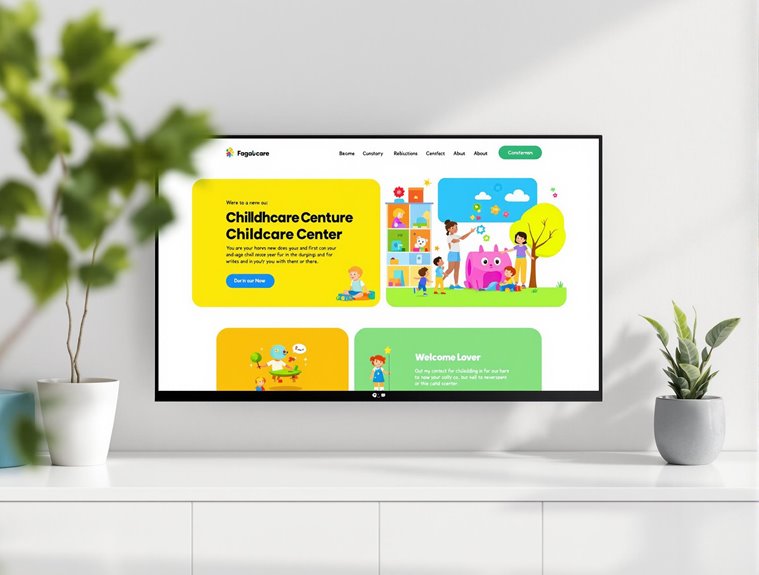
Choose accurate photos of the environment, activities, and people involved in the center’s work. Confirm permissions before publishing identifiable children. Add useful alt text and avoid keyword-stuffed descriptions that do not describe the image.
Keep the image style consistent, but do not use a generic childcare image to imply that it is your actual facility.

Make the site work on phones and assistive technology
Check small-screen layouts, forms, buttons, menus, and error messages. Use readable text, visible focus states, sensible heading order, keyboard-friendly controls, and sufficient color contrast.
Accessibility requirements depend on the site and its users. Have a qualified person review the specific site when the risk or scope is significant.

Build a secure, maintainable site
Use HTTPS, reputable hosting, current software, backups, access controls, and a documented update process. If payments are accepted, use a reputable provider and clarify who handles fees, refunds, receipts, and sensitive records.
Do not claim that a site is compliant with every legal requirement without a project-specific review.

Questions families often ask
What tools are used to build a childcare website?
The right tool depends on the center’s budget, staff skills, hosting needs, and future changes. WordPress, managed website builders, and custom systems can all work when they are supported well.
How often should website content be updated?
Update information when hours, programs, fees, staff, photos, or policies change. A regular review schedule is more useful than adding unrelated content.
What legal information belongs on a childcare website?
Show the information required for your location and center, such as licensing or registration details where applicable. Ask a qualified professional to confirm the current requirements rather than relying on a generic template.