

Choosing enrollment software can reduce repetitive administrative work, but the right fit depends on your center’s processes, staffing, and technology. If Procare is on your shortlist, confirm current features, pricing, support, data handling, and implementation requirements directly with the vendor before you buy or promise results.
What to look for in enrollment software
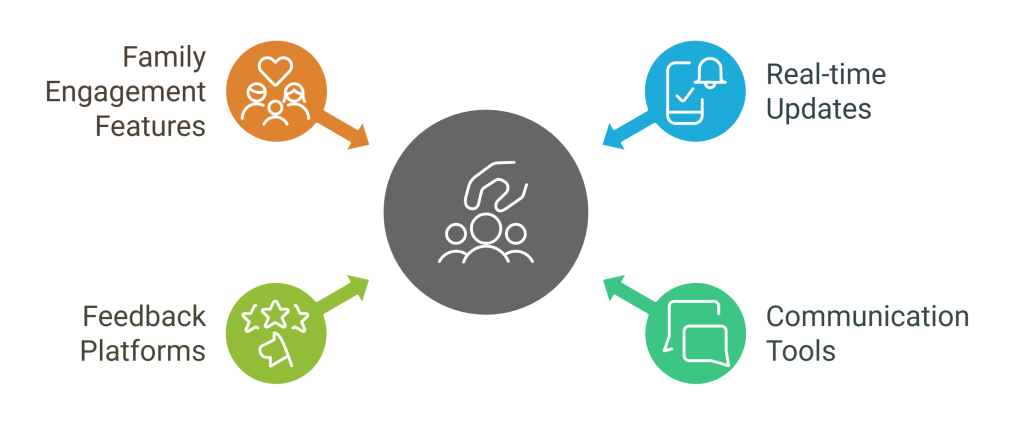
Start with the work your team does every week. A useful system should make it easier to:
- Receive and review applications
- Manage waitlists, tours, and family questions
- Collect approved enrollment information
- Coordinate payments, subsidies, and records where supported
- Share attendance and important updates with families
Do not assume a feature is available in your region or included in every plan. Ask the vendor to show the workflow your center actually uses.

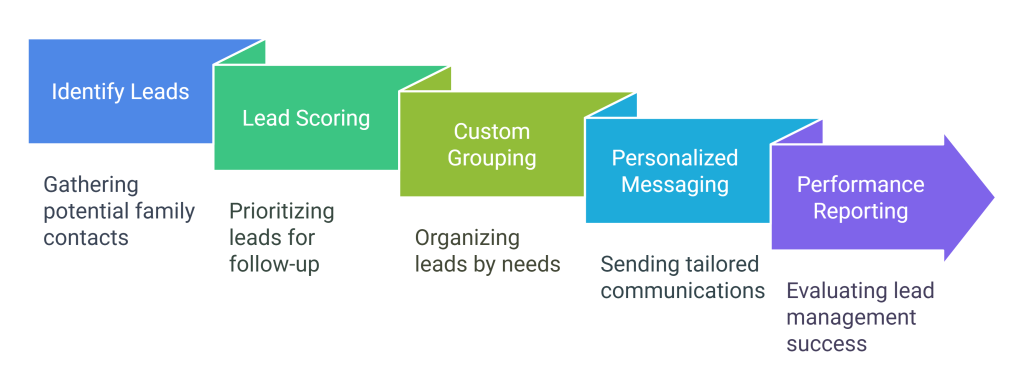
Lead and enrollment workflow
Before buying, map the steps from first contact to the child’s start date. Write down who owns each step, which information is required, and where families need help. This makes it easier to compare products and avoids paying for features your team will not use.
Ask whether the vendor can report on inquiry volume, tour requests, application status, and enrollment outcomes. Confirm how long reports take to produce and whether staff need additional training.
Administrative tasks to validate
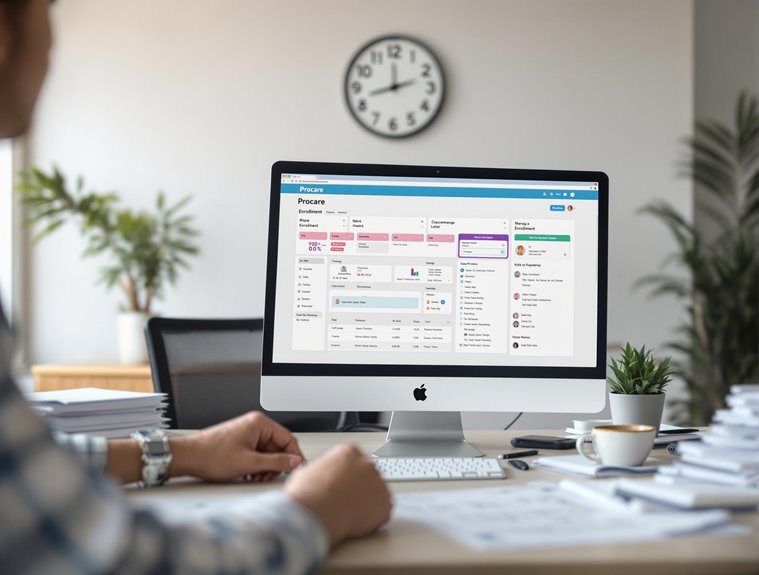
Request a live demonstration of the tasks that consume the most time, such as registration forms, family records, attendance, billing, and parent communication. Test the process with a sample family rather than only viewing a prepared demonstration.
Also ask about mobile access, support hours, data export, and what happens if your center needs to pause or change services.

Security, privacy, and data ownership
Ask where data is stored, who can access it, how backups work, and what happens when a staff member leaves. Request current documentation about encryption, access controls, privacy practices, and incident response.
Do not rely on a general promise that a product is “secure” or “compliant.” Review the vendor’s current terms and confirm how your center’s obligations under applicable privacy and childcare rules are handled.

Training and implementation
Implementation time depends on your data, workflows, and the vendor’s support plan. Ask for a written timeline that includes setup, migration, staff training, family communication, and testing.
Get clarity on onboarding fees, support costs, renewal terms, and the cost of adding centers, classrooms, or users later.
Questions centers ask
Is Procare a good fit for a small center?
It depends on your enrollment process and the features you need. Ask for a demonstration using your own workflow and confirm pricing, support, and implementation before deciding.
Can I request a demo or trial?
Trial and demo terms can change. Ask the vendor directly for the current offer, what is included, and whether a credit card or commitment is required.
Does Procare support government subsidies or local integrations?
Do not assume support from a general product description. Ask which subsidy systems, payment providers, and reporting formats are supported for your location.